How to Buy a Refurbished Laptop Without Costly Surprises
The best refurbished laptop is the one you can verify, return, and maintain.
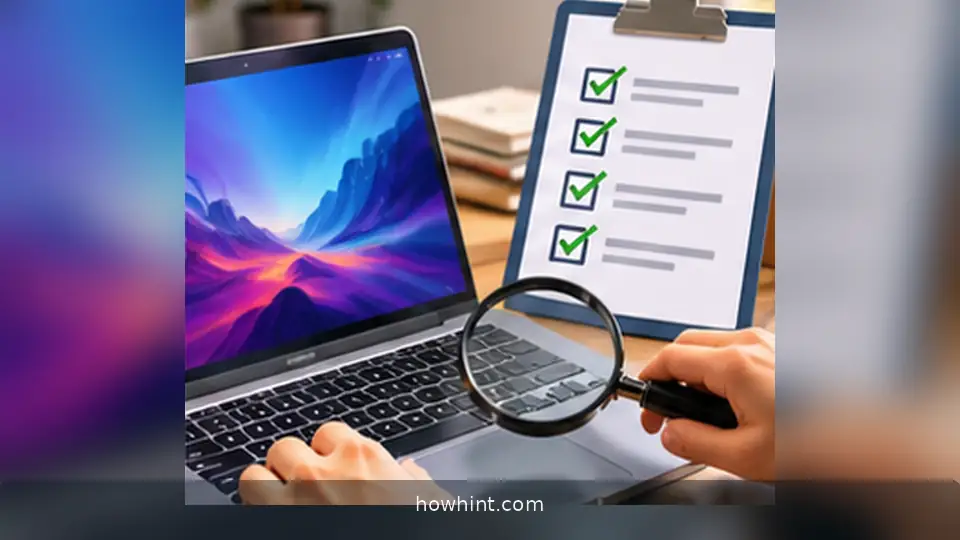
A practical checklist for battery health, support, warranties, repairs, and return windows before buying a used laptop.
Start with the actual task, not the discount
Write down the programs you need and where you will use the laptop. A student using documents and video meetings may need very different hardware from a video editor. Compare at least two models on processor generation, RAM, storage, screen comfort and available ports, rather than relying on the brand name alone.
Check whether the particular model meets the operating system’s current support requirements. A low price can be poor value if the device cannot receive necessary security updates or run the software you rely upon.
Get clear answers about the battery
Ask for a recent battery-health report and what percentage of its original capacity remains. Batteries lose capacity with use; a seller’s vague claim that a machine is in excellent condition does not describe endurance. Ask whether the battery has been replaced and whether a replacement would be affordable.
Plan a simple practical test: unplug the charger, run your normal workload, and watch the battery discharge. Do not assume advertised new-device battery figures apply to a refurbished unit.
Inspect physical condition and functionality
Check the hinges, keyboard, touchpad, USB ports, wireless connection, webcam, microphone, headphone jack, power adapter and screen at multiple brightness levels. Look for dead pixels, flickering, swelling, heat or unusual fan noise.
If buying online, ask for photos of the exact unit, not a stock image. Check the serial number through the manufacturer’s official support tools where possible, and confirm that device management or activation locks will not prevent use.
Understand seller grades and the return policy
Grade A, excellent and certified refurbished can mean different things across sellers. Request a written description of cosmetic defects, parts replaced, diagnostic checks and warranty exclusions. The return period matters more than a colourful badge.
Ask whether the return shipping is paid, whether a restocking fee applies, and how disputes are handled. Keep invoices and product-description screenshots until the return window closes.
Make a total-cost comparison
Add the cost of a compatible charger, battery replacement, RAM or storage upgrade, shipping and tax. A newer machine with a slightly higher purchase price may cost less over its useful life.
Test the device promptly after arrival, before the return window ends. Back up your files and reinstall or reset the operating system through trusted methods before signing into sensitive accounts.